Free chess diagram generator
ChessVG is a free chess diagram generator that turns any position into a clean, custom board image. Drag the pieces or paste a FEN, style the board with 14 piece sets and 12 themes, and export a high-resolution PNG or a vector SVG. No account, no watermark, and nothing is uploaded — every diagram is generated right in your browser. It is built for coaches, authors, streamers, and bloggers who need consistent, on-brand diagrams.
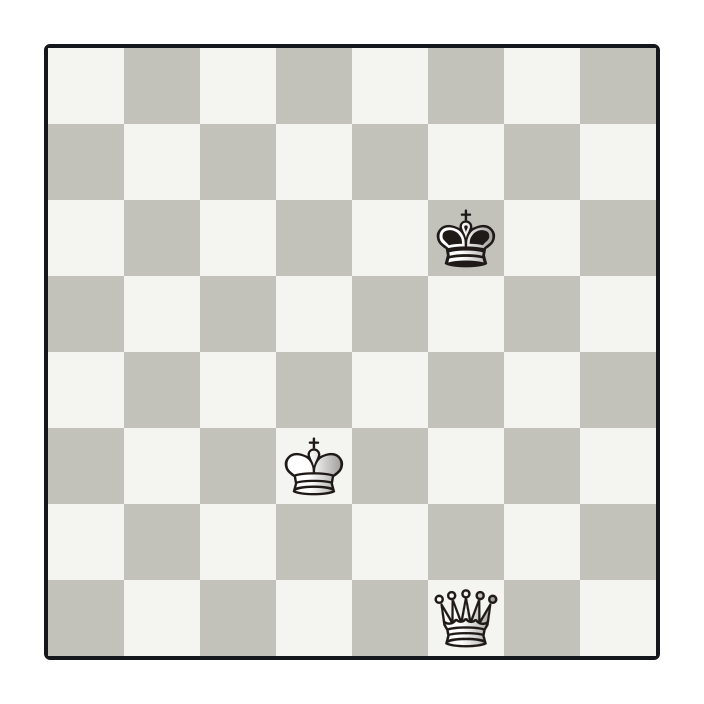
Key takeaways
- Build any position by dragging pieces or pasting a FEN.
- 14 piece sets, 12 themes, plus fully custom colors and framing.
- Export high-resolution PNG or infinitely-scalable SVG.
- Save styles as templates so every diagram stays on brand.
- Free, no signup, no watermark, runs entirely in your browser.
Why use ChessVG for chess diagrams
Most diagram tools either watermark your images, lock you into one look, or hand back a low-resolution screenshot. ChessVG is built the other way around: you control every color, frame, and background, you export at any resolution in PNG or true-vector SVG, and there is never an account, a watermark, or an upload. Save your favorite look as a template and every diagram across a whole course, book, or channel stays recognizably yours.
How to make a chess diagram
- Open the editor and set up the position — drag pieces, paste a FEN, load a real Lichess puzzle, or grab a board live with the browser extension.
- Pick a theme and piece set, then fine-tune the square colors, frame width, corner radius, padding, shadow, and coordinates.
- Open the Export tab and choose PNG, SVG, or a one-click social-media size.
- Download the diagram, ready to embed, post, or print.
Who it is for
Coaches building lesson slides and worksheets, authors laying out openings and endgames in books and PDFs, streamers and YouTubers making thumbnails and overlays, and bloggers illustrating annotated games. See the full list of use cases for ideas.
FAQ
What is a chess diagram generator?
A chess diagram generator turns a chess position into a static image you can drop into an article, worksheet, slide, or social post. You set up the position — by dragging pieces or pasting a FEN — and the tool renders a clean board image you can download.
Is ChessVG's diagram generator free?
Yes. It is completely free, needs no account, and never forces a watermark onto your images. It is built by the team behind ChessSolve.
Can I export chess diagrams as PNG and SVG?
Yes. Export a high-resolution PNG at any square size for screens and video, or a vector SVG that stays sharp at any size for blog diagrams, books, and print.
Can I match the diagram to my brand colors?
Fully. Choose from 12 themes and 14 piece sets, or set your own square, frame, and background colors, plus frame width, corner radius, padding, shadow, and coordinates. Save a combination as a template to reuse in one click.
Can I build teaching positions that are not legal?
Yes. Because it is an image tool rather than an engine, you can drag pieces to build any position by hand, including illegal or artificial setups that are useful for lessons and puzzles.
Related
Already have a FEN? Jump straight to the FEN to image guide. Making covers for social platforms? Browse the case studies, or read the FAQ for export and format details.
← Open the editor