Free Chess Diagram Generator & Board Image Maker
ChessVG is a free online chess diagram generator for creating clean, custom chess board images. Set up any position or paste a FEN, choose from 14 piece sets and a dozen themes, load a real Lichess puzzle, then export a high-resolution PNG or SVG. No account, no watermark, all in your browser.
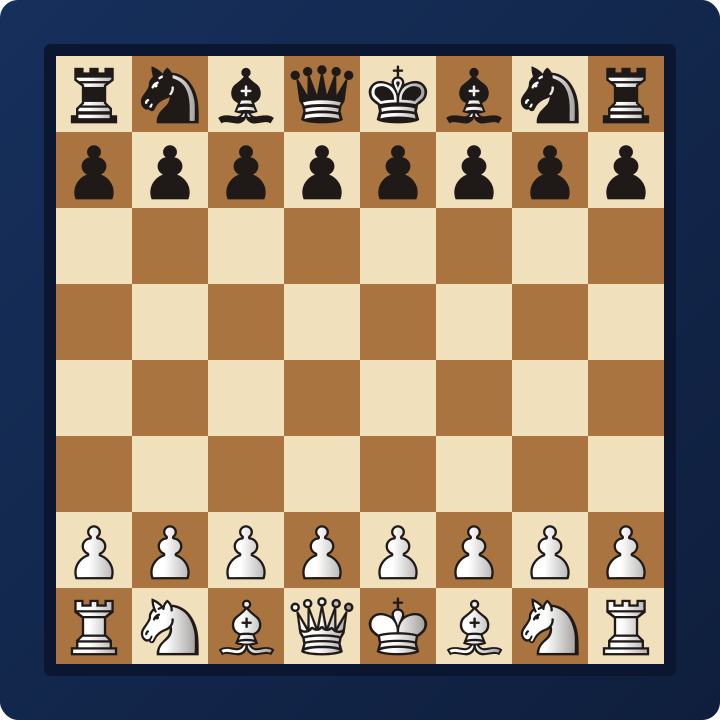
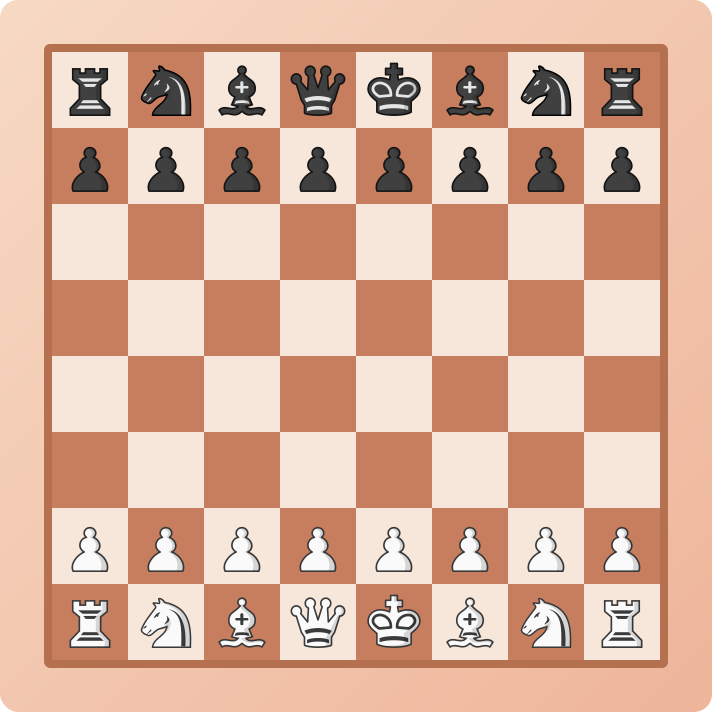
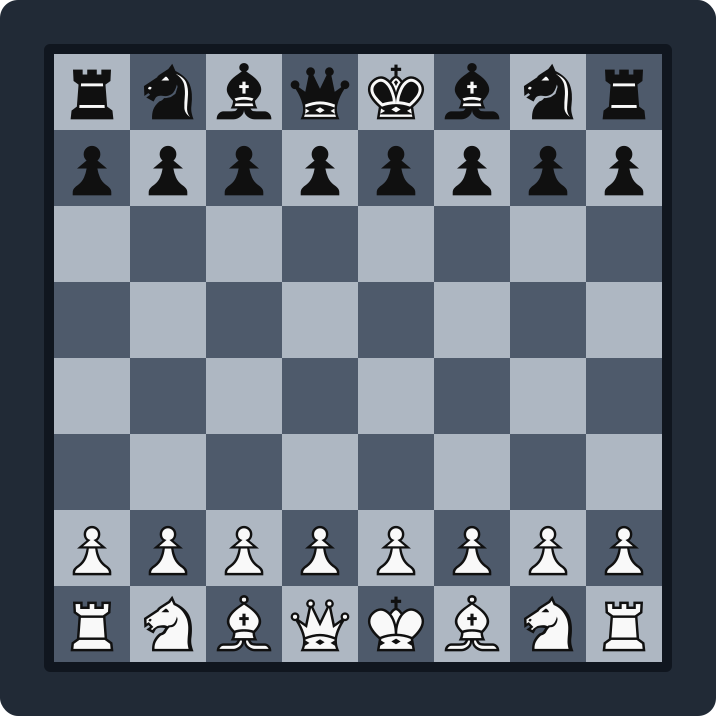
Everything you need to make great board graphics
14 piece sets & 12 themes
Match your brand or channel with curated looks, or set fully custom square, frame and background colors.
Load real Lichess puzzles
Drop a random or daily puzzle position straight onto the board from the free Lichess puzzle database.
PNG & SVG export
Download crisp images at any resolution, or a vector SVG that stays sharp at any size.
Social-media presets
One-click sizes for Instagram, TikTok, Facebook, Reddit, X and YouTube, with your background applied.
Backgrounds & framing
Solid color, gradient, uploaded image, or transparent, plus frame width, corner radius, padding and shadow.
Save your own templates
Store your favorite styles in your browser and re-apply them to any position in one click.
How to make a chess board image
- Set up the position by dragging pieces, pasting a FEN, or loading a Lichess puzzle.
- Pick a theme and piece set, then fine-tune the colors, frame and background.
- Open the Export tab and choose PNG, SVG, or a social-media size.
- Download your image, ready to post, embed, or drop into a video.
Who it is for
ChessVG is built for chess content creators, coaches, streamers, and bloggers who need board graphics for social posts, thumbnails, lesson slides, and articles. Because every image is generated in your browser and matches your own colors, your diagrams stay consistent and on brand across every platform.
Grab positions with the browser extension
Already on a game? The free ChessVG browser extension reads the current position straight from any Lichess or Chess.com board and opens it here as a diagram in one click — no copying FEN strings by hand. It previews the board with your chosen theme and pieces, and can download a PNG on the spot.
Frequently asked questions
Is ChessVG free?
Yes. ChessVG is completely free, with no account required and no watermark forced onto your images. It is built by the team behind ChessSolve.
Do I need to install anything?
No. ChessVG runs entirely in your browser. Nothing is uploaded to a server and it works on desktop, tablet and phone. If you want a dedicated app for solving and training, you can download the ChessSolve app.
What image formats can I export?
High-resolution PNG at any square resolution, and vector SVG. You can also export one-click sizes for Instagram, TikTok, Facebook, Reddit, X and YouTube.
Can I make a chess diagram from a FEN?
Yes. Paste any FEN string and the position loads instantly — see the FEN to image guide. You can also drag pieces to build a position by hand, including illegal or artificial setups for teaching diagrams.
Is there a browser extension?
Yes. The free ChessVG browser extension grabs the current position from any Lichess or Chess.com board and turns it into a diagram image in one click — no need to copy a FEN by hand.
Where do the puzzles come from?
From the free, open Lichess puzzle database, loaded live when you press Random or Daily puzzle. You can practice the same kind of positions in the ChessSolve puzzle trainer.
Can I use the images commercially?
The tool places no restriction on your exports. If you plan to redistribute the piece artwork itself, review the open-source Lichess piece-set licenses.