ChessVG browser extension
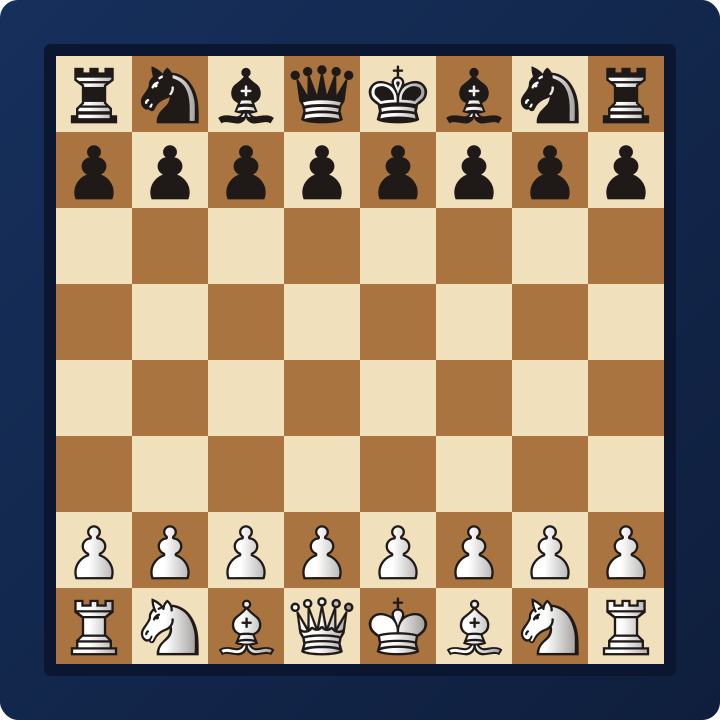
The free ChessVG browser extension turns any chess position into a diagram image without retyping a FEN. Open a board on Lichess or Chess.com, click the ChessVG icon, and the exact position is captured — ready to download as a PNG or open in the ChessVG editor to style and export. It works on live games, analysis boards, and puzzles alike.
What it does
- Captures the live position from any Lichess or Chess.com board.
- Previews the real ChessVG board — your theme, piece set, and orientation.
- Downloads a high-resolution PNG straight from the popup.
- Opens the position in the full editor for SVG, social presets, and more styling.
- Right-click any FEN on any page to create a diagram, or paste one manually.
- 100% local — the board is read in your browser, not uploaded.
How to install
- Open the ChessVG extension on the Chrome Web Store and click Add to Chrome.
- Pin the ChessVG icon to your toolbar so it is one click away on every game.
- Open any Lichess or Chess.com board and click the icon — the position appears instantly.
How to use it
- On a game or puzzle, click the ChessVG icon. The current position is captured automatically.
- Pick your orientation, theme, and piece set in the popup — the preview updates live.
- Download PNG for a quick image, or Open in ChessVG to fine-tune the frame, background, coordinates, and export an SVG or social-media size.
Step-by-step guides
New to the workflow? These walkthroughs cover each site end to end, from grabbing the board to exporting a finished image.
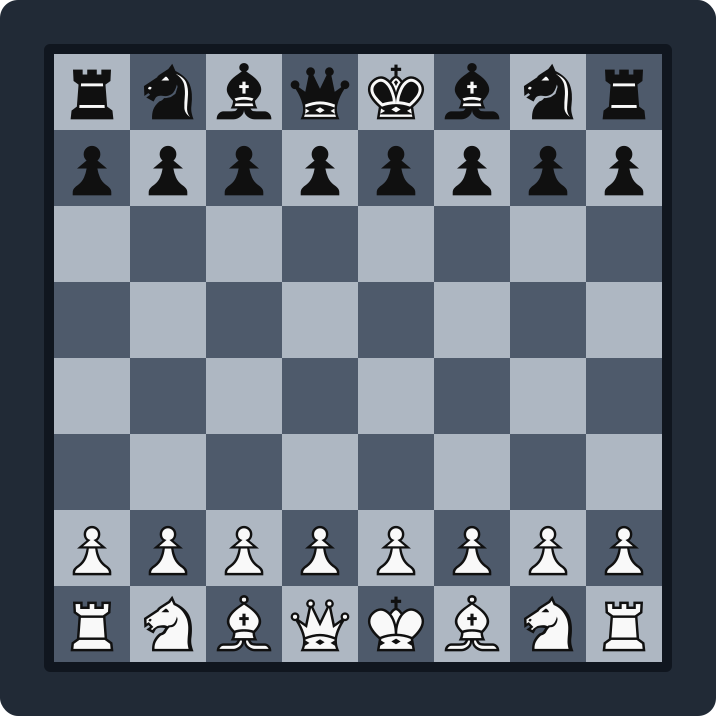 Lichess position to imageTurn any Lichess game, study, or puzzle into a PNG or SVG diagram.
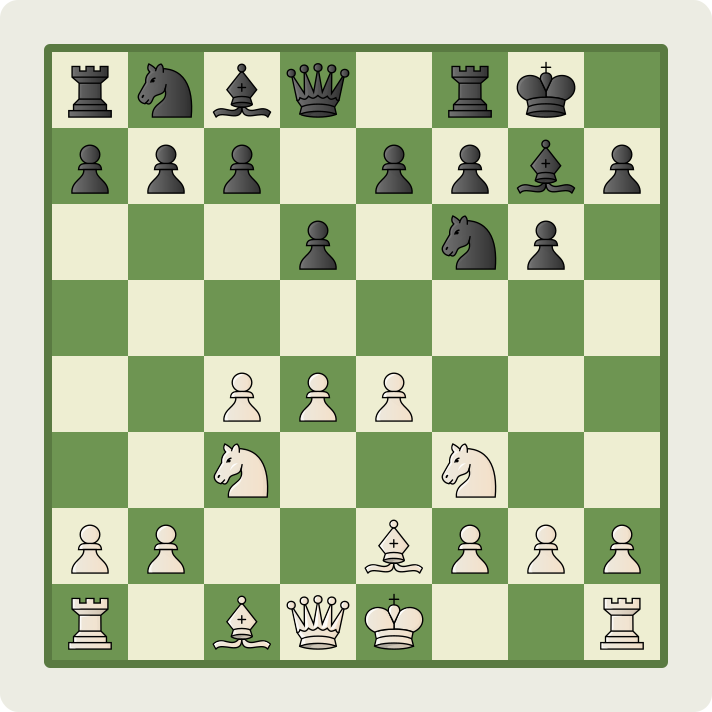 Chess.com position to imageCapture a Chess.com game or analysis board and export a clean diagram.
FAQ
What does the ChessVG browser extension do?
It reads the current chess position from any Lichess or Chess.com board — live games, analysis, or puzzles — and turns it into a diagram image. You can download a PNG straight from the popup or open the position in the full ChessVG editor to style and export it.
Which browsers does the extension support?
It is a Chrome extension (Manifest V3), so it works on Google Chrome and other Chromium browsers such as Microsoft Edge, Brave, and Opera.
Is the extension free?
Yes. Like the ChessVG editor, the extension is completely free, with no account and no watermark on your images.
Does the extension work without copying a FEN?
Yes. It reads the piece placement directly from the board, so you never have to find or paste a FEN. You can still paste a FEN manually as a fallback on pages it cannot read.
Is it affiliated with Lichess or Chess.com?
No. ChessVG is an independent tool by the team behind ChessSolve. The extension simply reads the board on those sites; it is not affiliated with or endorsed by Lichess or Chess.com.
Related
Prefer to build from scratch? Use the ChessVG editor, browse the use cases, see how creators grow reach in the case studies, or read the FAQ.
ChessVG is a free tool by ChessSolve. The extension reads the board locally in your browser and is not affiliated with Lichess or Chess.com.
← Back to the editor